
Technology is one of the part of our life and we know technology is 100% related to these computer that works fast ,but their is one thing without which computer is nothing , yes its ” operating system .
Various operating system is present in our surroundings like windows operating system (MICROSOFT ) , IOS operating system (APPLE), ANDROID operating system ( GOOGLE) , UNIX and so on . Today we talking about “WINDOW 8.1 “
If I talk about me personally , I use “WINDOW 8.1” for “6 YEARS” now and in old school days we all used WINDOW 7 or WINDOW 98 which is too old . Jokes apart ,what makes “WINDOW 8.1 ” so special than others “WINDOWS SERIES ” or other operating system . lets check it out guys
so today we are here with top 10 special reason why “WINDOW 8.1” makes yours life more easy make your work more fun
1 ) SMART SEARCH:-
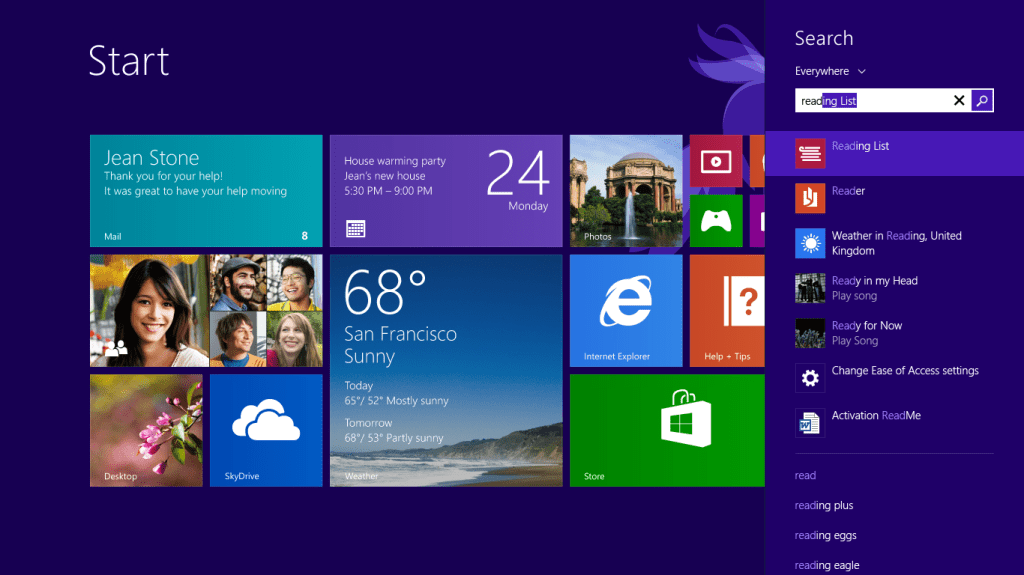
this is the best option if your a shortcut type of guy or we talk about searching something on computer sometimes it beat google in search and named perfectly ” SMART SEARCH ” . By default , the new ” SMART SEARCH ” in window 8.1 includes relevant result includes Bing search and google search alongside files from your computer.
if you don’t want this features you can Disabled also , but before disabled it used attest once , who know it works great for you in your workplace or in your home
2) NEW AND IMPROVED APP:-
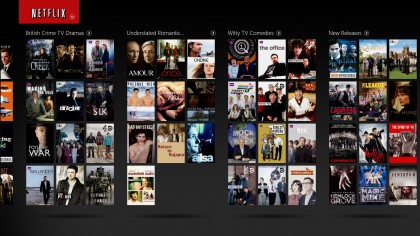
Now talk about ” WINDOW 8.1 ” so its all tiles and those tiles are newly optimized application for windows which give you great scene of new experience while your using it and it is very easy to use than former windows even window 10 looks wired to me even though it has same features like this one
3) SKYDRIVE:-
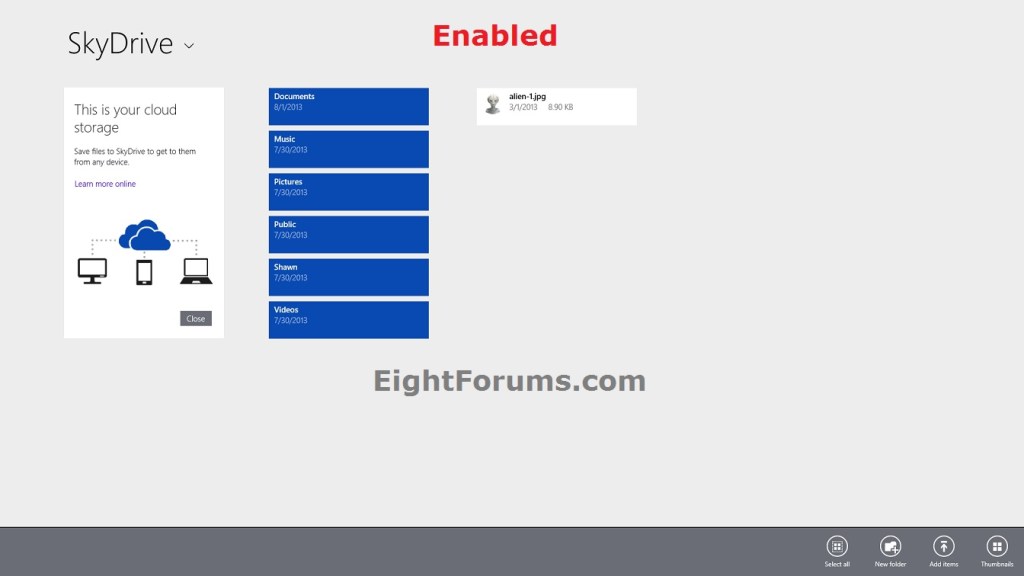
This is best features if you know to use it in “WINDOW 8.1″ . It is very convenient you want to store any photo or memory for longer time than your ” SKYDRIVE” come into play . if is same as other online cloud storage system but this faculty is in build in WINDOW 8.1 and you can use it easily also
Update:-
Use “ONE DRIVE” instead of “SkyDrive” because most people don’t use ” SKYDRIVE” now a days
.
4) MORE CUSTOMISATION:-
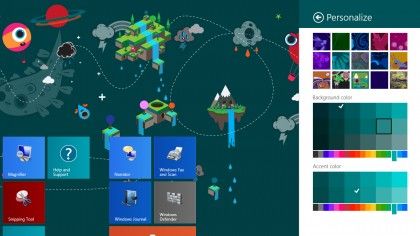
You can now take far more control over the look and feel of your Start screen than you could in Windows 8. There are more color and background choices, additional tile sizes, and the option to have a slideshow instead of a static image on the lock screen.
You can even replace the Start screen with the Apps page, if you prefer. On the desktop, you can change the functions of the “hot corners” if you don’t like the way they work by default.
5) DESKTOP:-
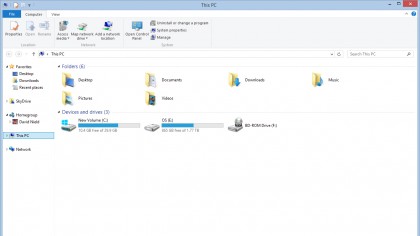
If you’re a pre-Windows 8 user you may well want to spend most of your time on the desktop, and there are improvements afoot here too.
Microsoft has introduced a Desktop Display Scaling function to enhance performance on larger and smaller screens (or systems with two displays of differing resolutions), simplified the File Explorer utility with a “This PC” view that replaces “Computer” and added extra commands to the right-click Start menu (including Network Connections and shutdown).
6) WINDOW APP STORE:-
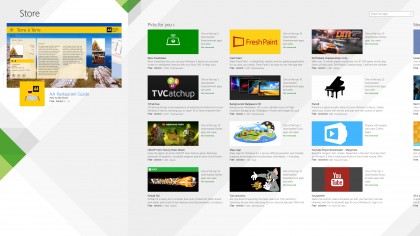
In this window you will get a better window app store that looks good and on the top of that provide you with best application possible and now it update very easily . easy to use , app store is perfect for any window and that’s what window 8.1 provide to you . actually this is pretty expensive compared to other windows so that’s why it comes with pretty decent features
7) SIMPLE CONFIGURATION:-
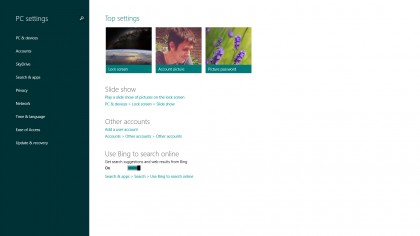
More tech-savvy users who enjoy a poke around in their computer settings may have given Windows 8 a miss because of the hodgepodge created by the Start screen PC Settings app and the familiar desktop Control Panel. Windows 8.1 has a much more comprehensive Settings app, so most of the options you’re going to need are available from both places, and tweaking your machine is more straightforward.
8) FUTURE TECH :-
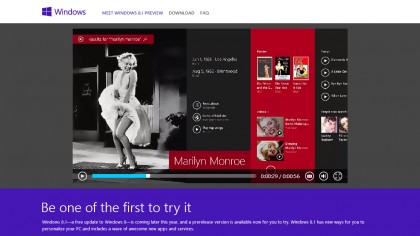
Windows 8.1 includes a host of more minor improvements and tweaks that make it future-proof, from native 3D printing capabilities and support for Wi-Fi Direct printers to the Fresh Paint digital artwork app shown off by Microsoft in recent days. Hang back and you run the risk of getting left behind.
9) SKYPE:-
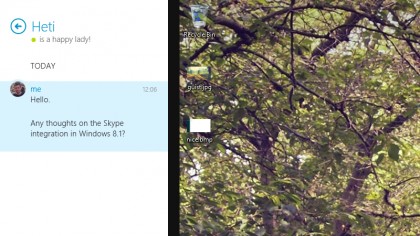
Like SkyDrive, Skype is an essential part of the Windows experience in 8.1, bringing together video calling, audio calling and instant messaging under one virtual roof that’s only a click away (and replacing the Messages app at the same time). Right from the lock screen, Microsoft promises Skype will be “front and center”
10) COME DIRECTLY TO HOME SCREEN :-
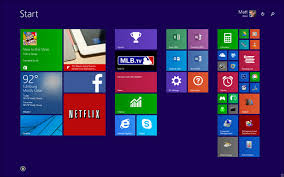
The Start screen isn’t going away anytime soon, but you can now bypass it when you log in – Windows 8.1 lets you boot up to the Start screen, the Apps page or the desktop. What’s more, you can keep the same wallpaper on both the desktop and the Start screen if you want to make the change less drastic.
I hope guys you like this top 10 reason and hope you will start using this WINDOW 8.1 and not tried yet just try man! its good ok
so please guys if you like this blog please share with you friends and family and please click on like if you like this and you can also join with us in our Facebook page so that you get the link of upcoming blog
we come up with more good content so till take care and have a productive week
 top10info